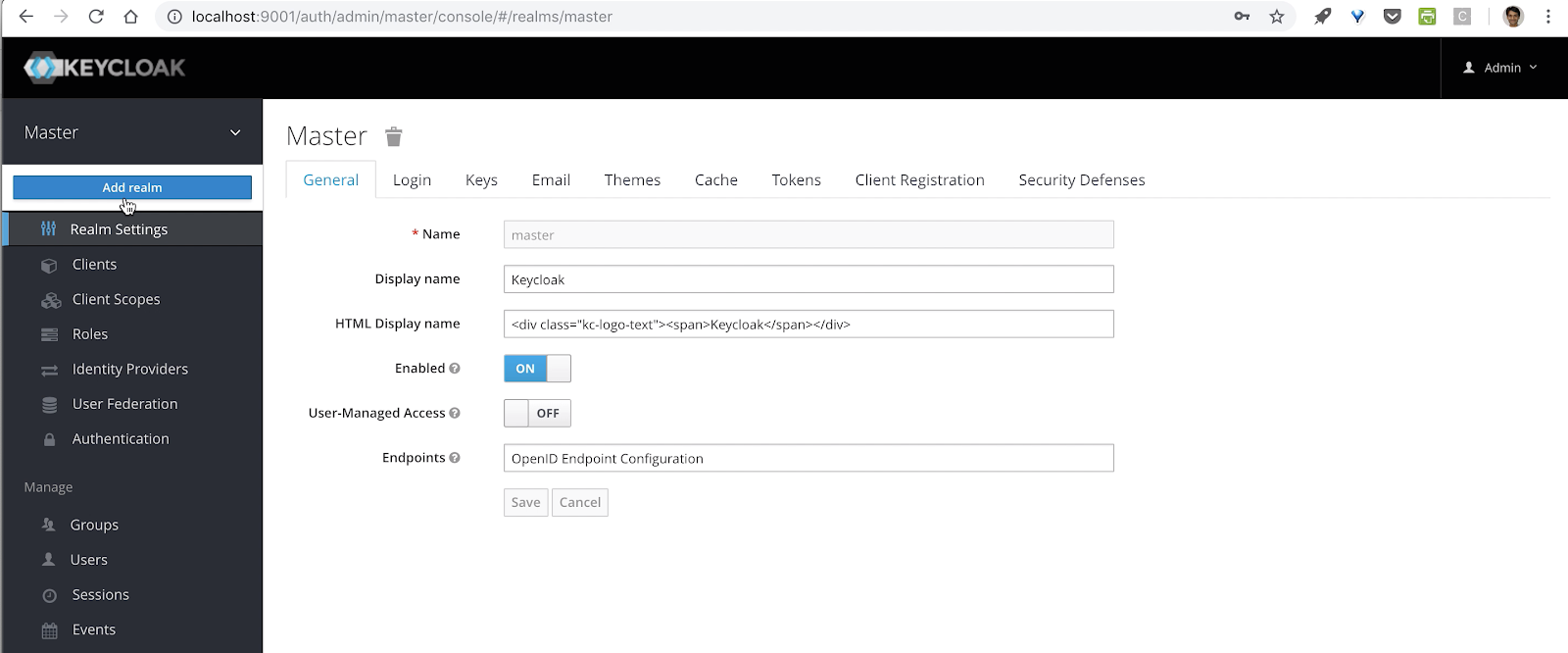
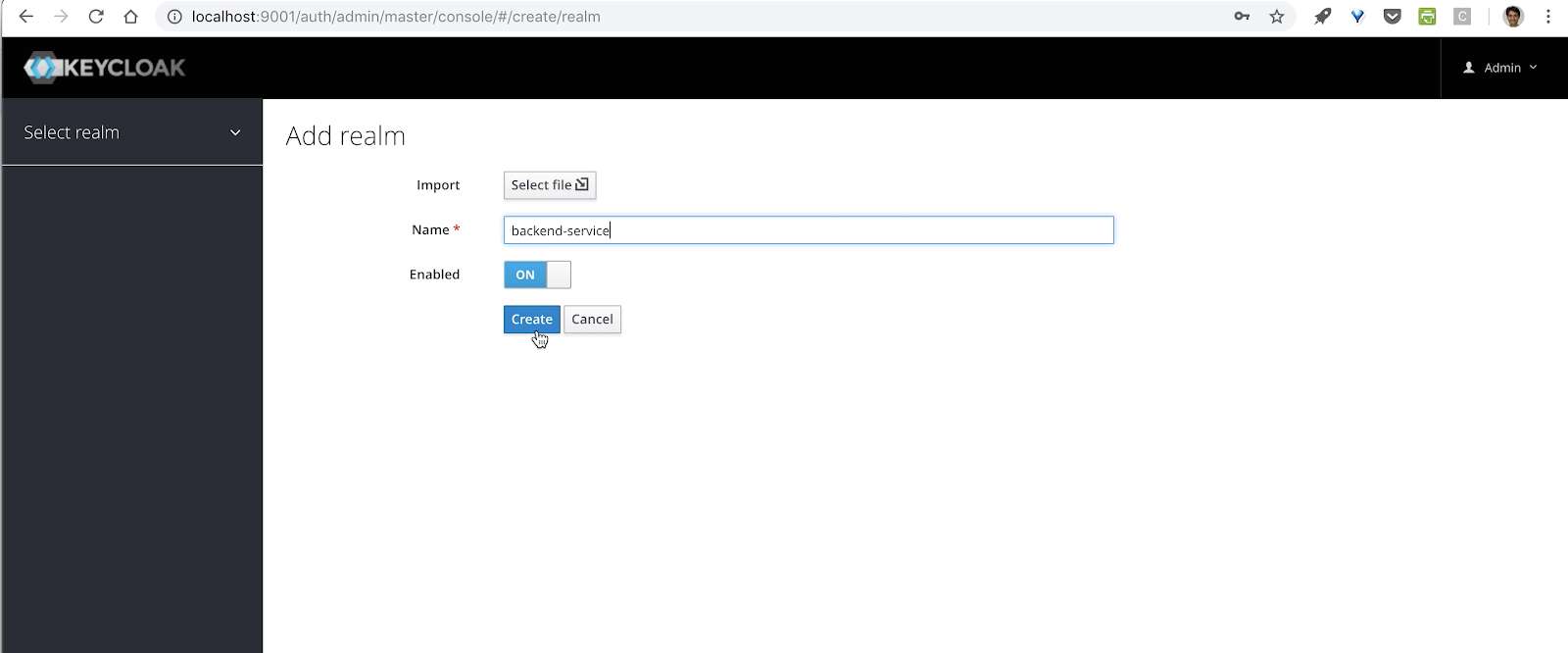
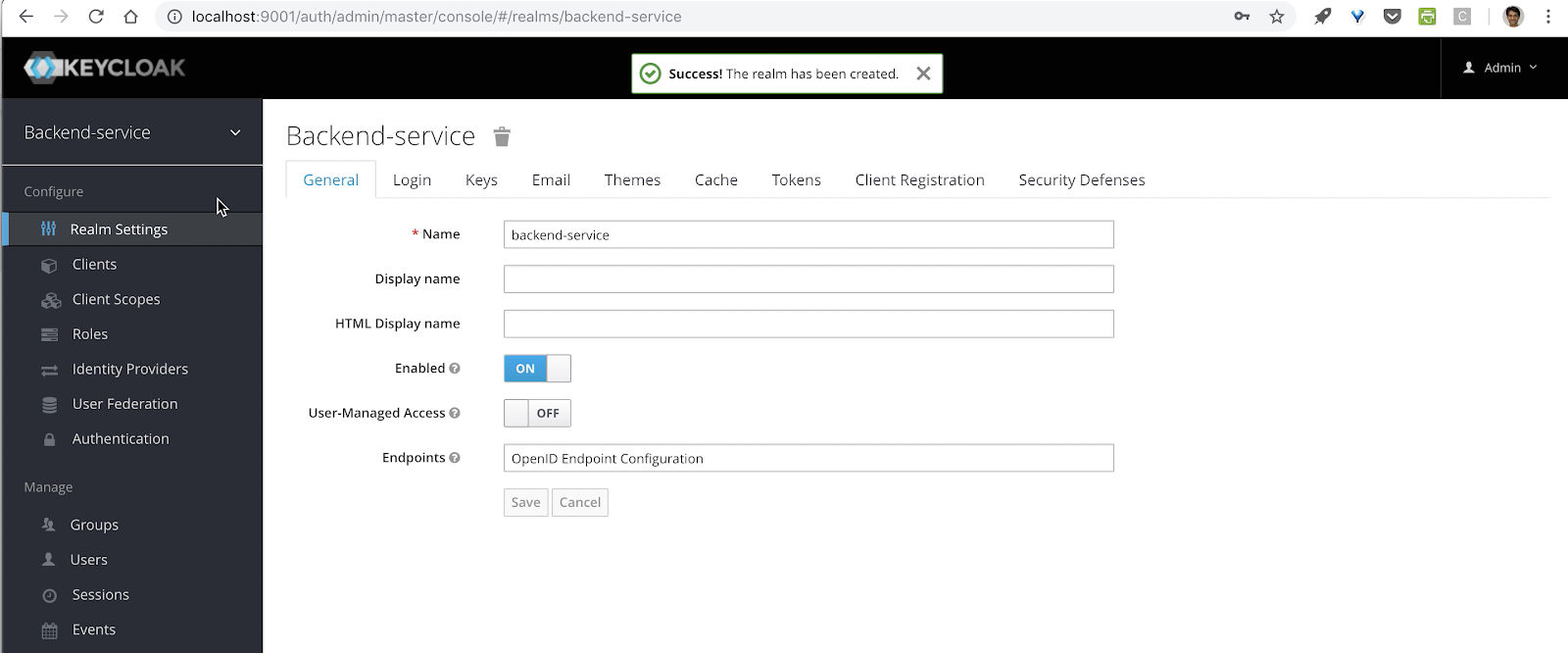
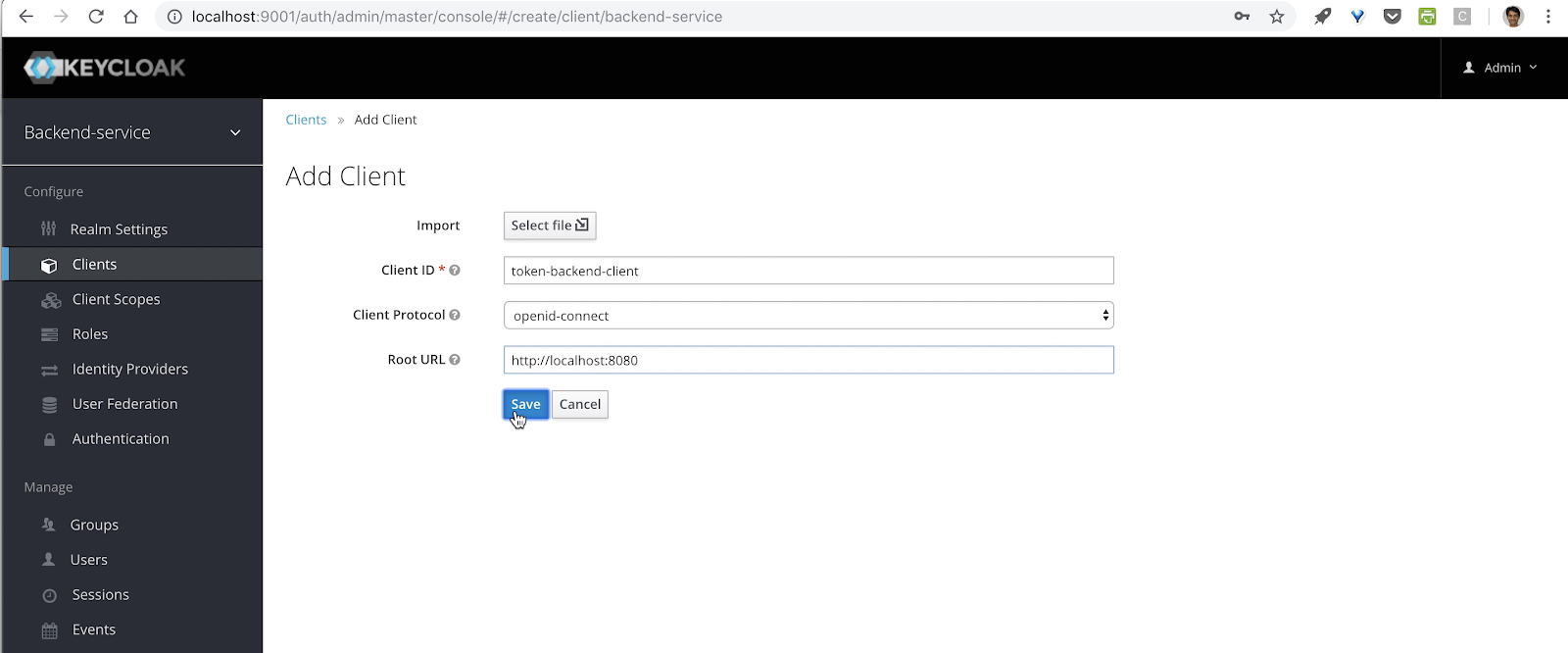
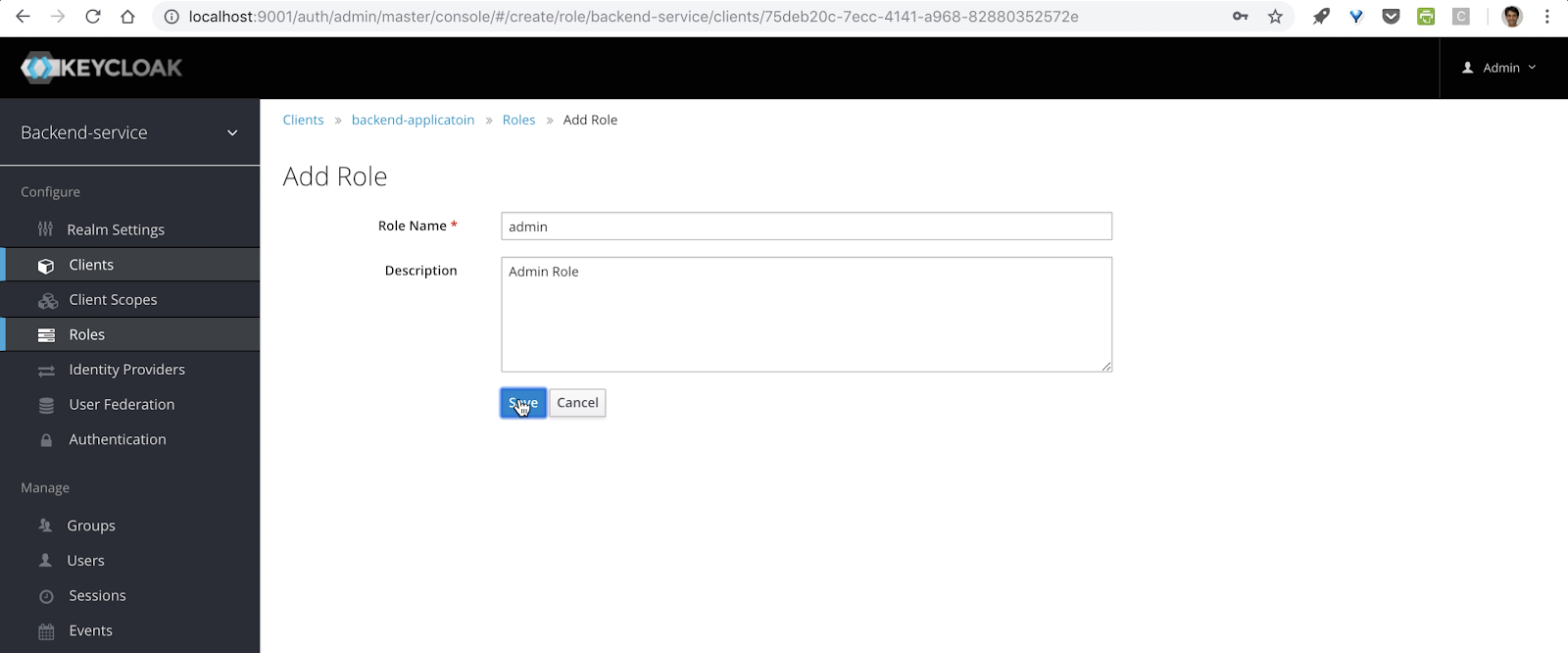
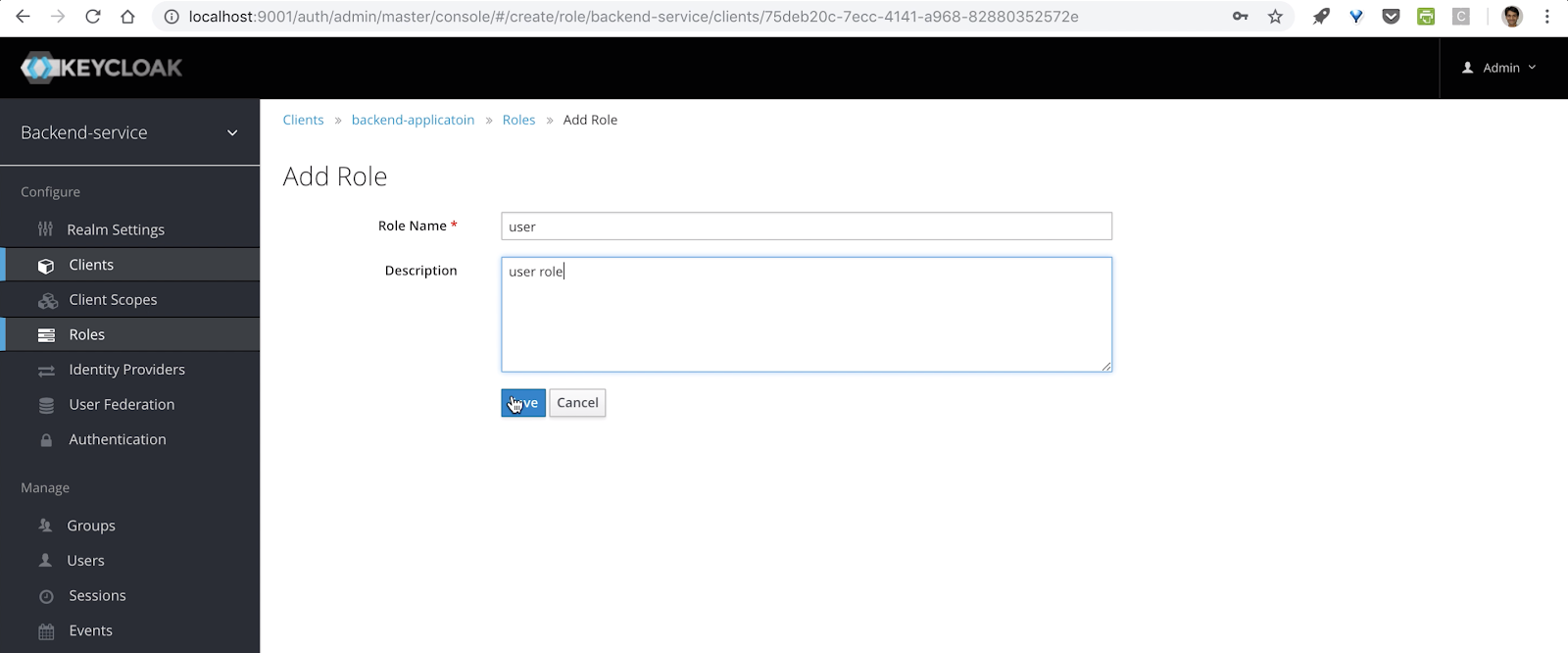
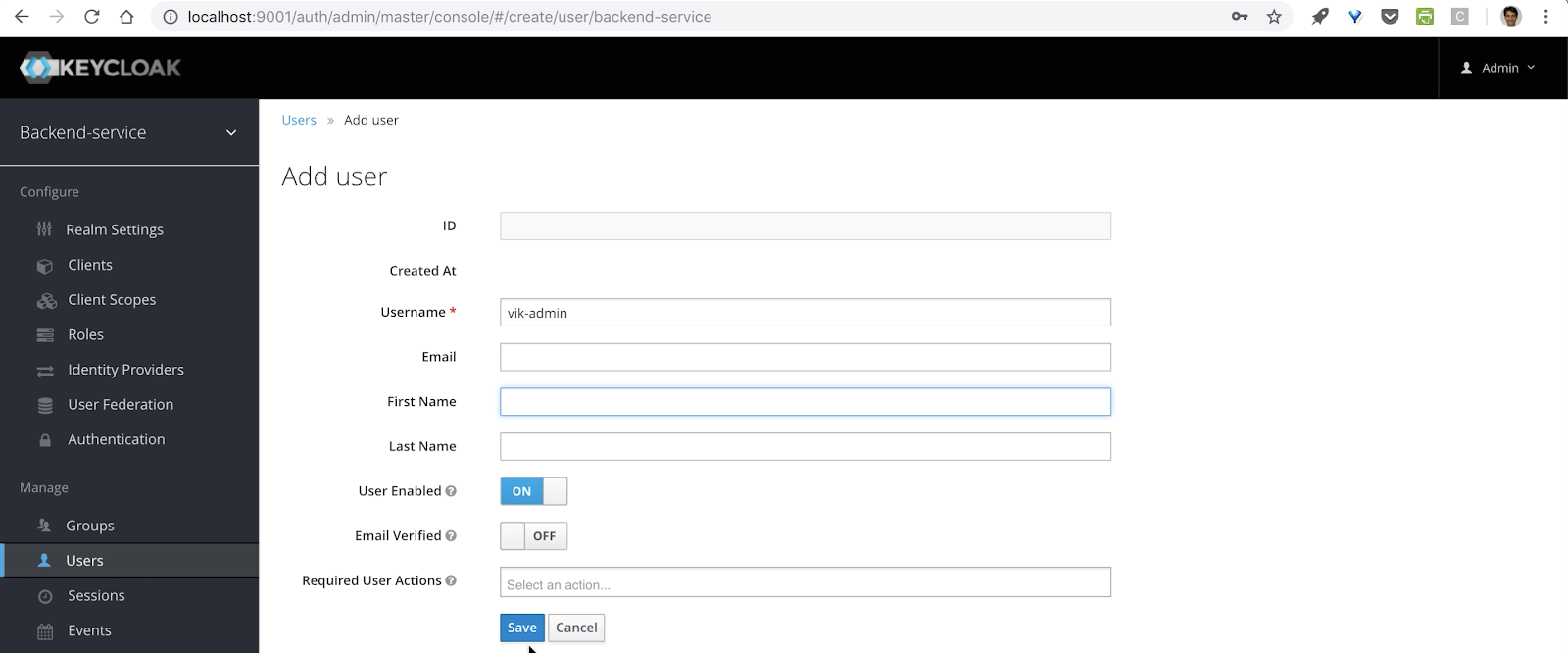
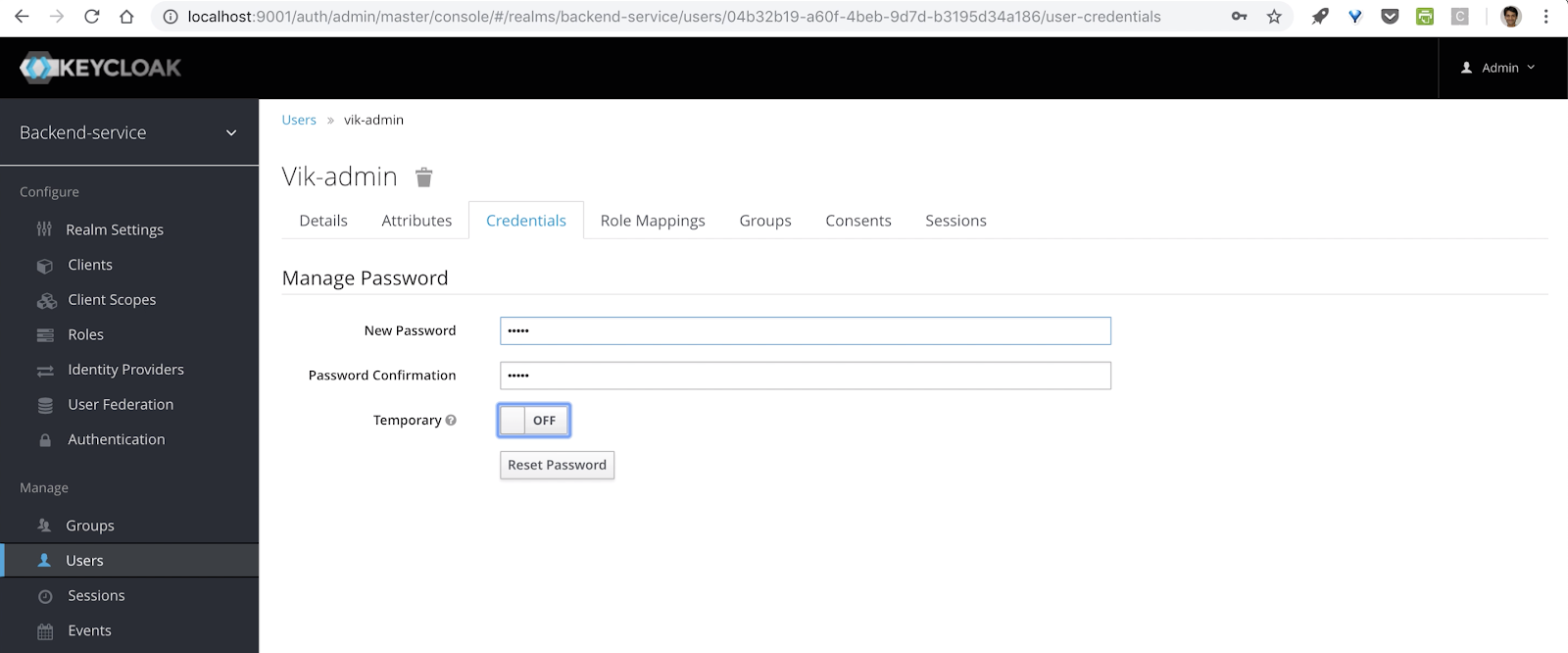
In last blog post of this series we saw how we can configure keycloak for our application.
Now in this tutorial we
will see how we can use keycloak with spring boot.
Now in this tutorial we
will see how we can use keycloak with spring boot.
Prerequisite
- Docker
- Keycloak
Version
- Spring Boo: 1.5.17.RELEASE
- Java: 1.8
- Keycloak: 4.0.5-Final
Create sample spring boot application
Dependencies
- Spring-boot-starter-web
- Keycloak-spring-boot-starter
Create rest controller class
Secure App with keycloak
Add maven dependency for keycloak and spring security
- spring-boot-starter-security
- keycloak-spring-boot-starter
Configure keycloak server url and realms details in application.properties file
Configure keycloak security settings in the application
Add the blow class to configure the keycloak
KeycloakSecurityConfigurer.class extends KeycloakWebSecurityConfigurerAdapter.class
that
provide convenient base class for creating a WebSecurityConfigurer instance secured by Keycloak.
GrantedAuthoritiesMapper is mapping interface which use to convert case of the role used in the keycloak from
lower case to uppercase.
KeycloakAuthenticationProvider perform authentication process.
NullAuthenticatedSessionStrategy since we are using rest full service so we can provide null authenticated
session strategy.
KeycloakConfigResolver use to tell keycloak to use spring boot configuration.
Instead
use the configuration from the spring boot configuration resolver.
keycloakAuthenticationProcessingFilterRegistrationBean, keycloakPreAuthActionsFilterRegistrationBean are used
avoid re-registration of the filter.
that
provide convenient base class for creating a WebSecurityConfigurer instance secured by Keycloak.
GrantedAuthoritiesMapper is mapping interface which use to convert case of the role used in the keycloak from
lower case to uppercase.
KeycloakAuthenticationProvider perform authentication process.
NullAuthenticatedSessionStrategy since we are using rest full service so we can provide null authenticated
session strategy.
KeycloakConfigResolver use to tell keycloak to use spring boot configuration.
Instead
use the configuration from the spring boot configuration resolver.
keycloakAuthenticationProcessingFilterRegistrationBean, keycloakPreAuthActionsFilterRegistrationBean are used
avoid re-registration of the filter.
Add security in rest controller SecuredResoureces
Running application
start the application using
mvn spring-boot:run
Call the admin api without security token.

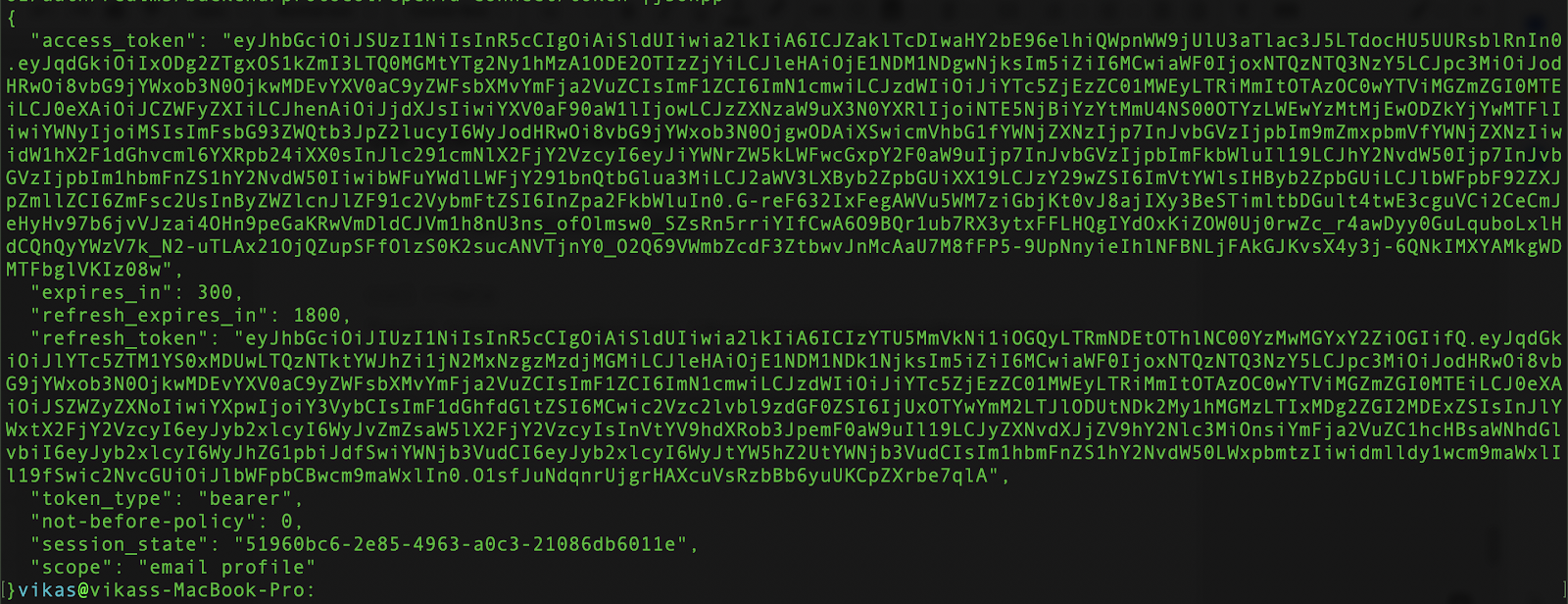
Get access token for admin role

Access admin api with access token

Access user api with access token will give error because user role required for access user service.

Get access token for user role

Access user service

You can get the source code from Bitbucket